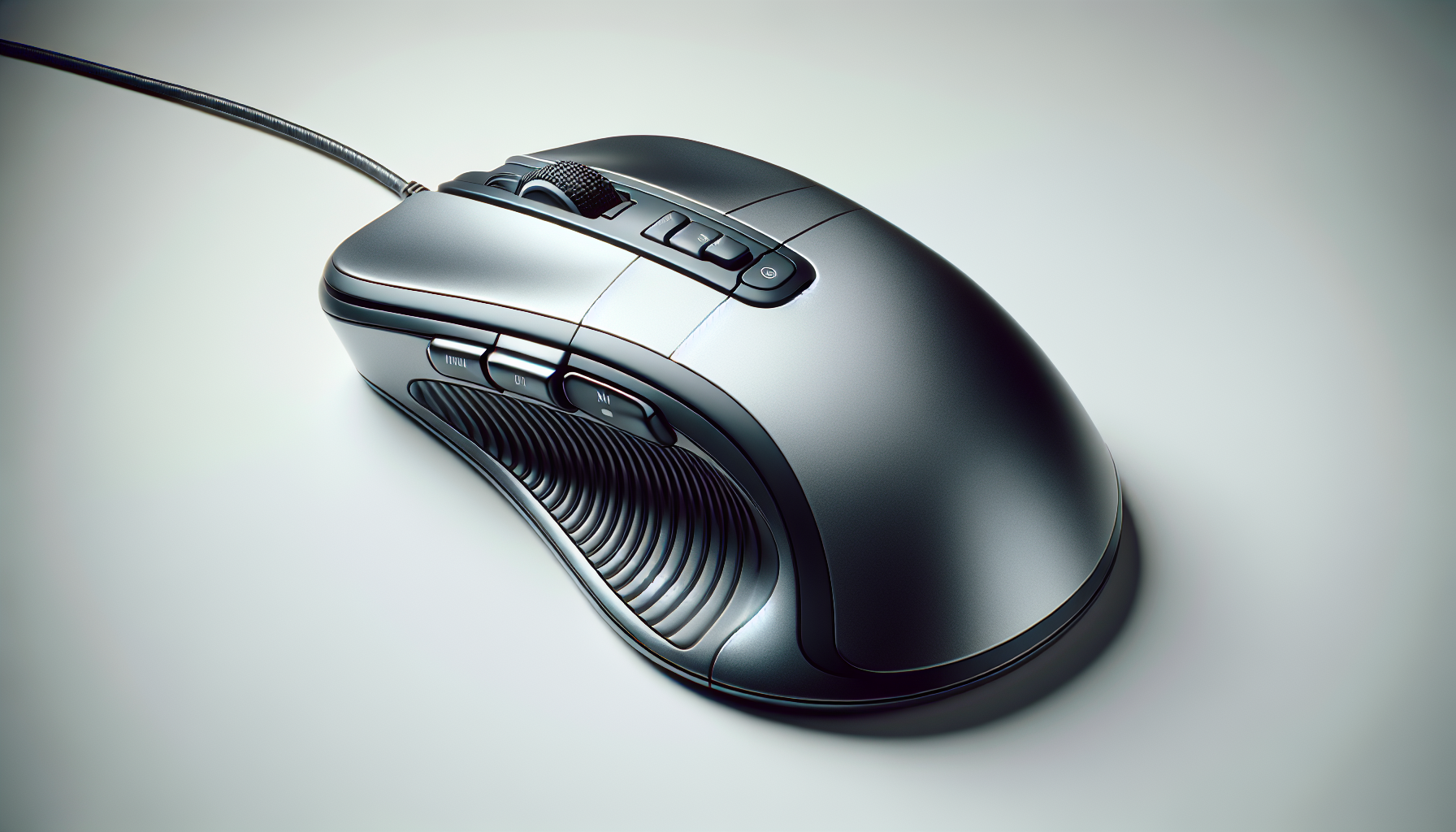
Razer Pro Click Review: Ergonomic Comfort, Precision, and Multi‑Device Control

The Razer Pro Click is a productivity mouse built around comfort and focus. It pairs an ergonomic shape with a precise optical sensor, multi‑host Bluetooth, and a control layout that can save you time in everyday apps.
Design and Comfort
- Ergonomic shape supports a natural hand posture for long work sessions
- Subtle, professional styling that fits office or home setups
- Solid, well‑balanced build that feels stable during long days of spreadsheets, documents, or creative tools
If you spend most of your day navigating documents and tabs, the shape helps reduce strain versus flatter travel mice. As with any ergonomic mouse, try to match your preferred grip and hand size; a quick test on a mousepad you regularly use is ideal.
Setup and Connectivity
- Bluetooth pairing with up to 4 devices for fast context switching
- Easy to move between a laptop, desktop, and tablet without dongles
Multi‑host Bluetooth is the star: set it up once on your devices, then switch as your workflow changes. If your workplace disables Bluetooth or if you work in areas with heavy wireless congestion, keep in mind that a Bluetooth‑only mouse may not be the best fit.
Performance and Controls
- 5G advanced optical sensor offers reliable, consistent tracking on typical desk surfaces
- 8 programmable buttons for shortcuts and macros
Tracking is smooth and predictable on most desks; a mousepad will help ensure consistency on tricky finishes. The programmable buttons are genuinely useful: map common actions (switch desktops, mute/unmute, copy/paste sequences, timeline scrubbing) to streamline repetitive tasks. Customization generally requires companion software, which may need admin rights—an issue on locked‑down corporate machines.
Battery Life
- Rated for extended battery life (up to 400 hours)
In day‑to‑day office use, you’ll likely go weeks before thinking about power. Your exact longevity depends on usage patterns and surface, but it handily outlasts many compact mice.
Who It’s For
- Professionals who prioritize comfort and reliable tracking all day
- Multi‑device users who switch between a laptop, desktop, and tablet
- Anyone who wants time‑saving button customization for common workflows
Who Should Look Elsewhere
- Competitive gamers who need ultra‑low‑latency inputs
- Users in IT‑managed environments where installing customization software or using Bluetooth isn’t allowed
Pros
- Comfortable ergonomic shape for long sessions
- Accurate optical sensor suitable for productivity and creative work
- Seamless Bluetooth multi‑host pairing (up to 4 devices)
- 8 programmable buttons to speed up repetitive tasks
- Excellent battery life that stretches into weeks
Cons
- Bluetooth‑only connectivity may not suit all offices or congested wireless environments
- Button remapping typically needs companion software and admin rights
- Not tuned for fast‑twitch gaming
Verdict
The Razer Pro Click is a thoughtfully designed productivity mouse: comfortable, precise, and genuinely convenient for multi‑device workflows. If your day is dominated by documents, spreadsheets, video calls, and creative apps—and you can use Bluetooth and customization software—it’s a reliable upgrade that reduces friction and fatigue. Gamers and users on locked‑down systems will want alternatives, but for most professionals, the Pro Click hits the sweet spot for work‑first comfort and control.